
Description
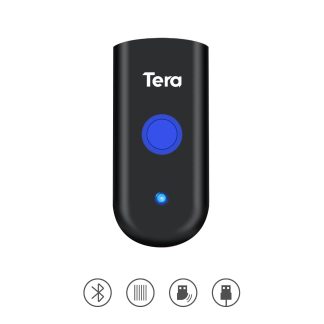
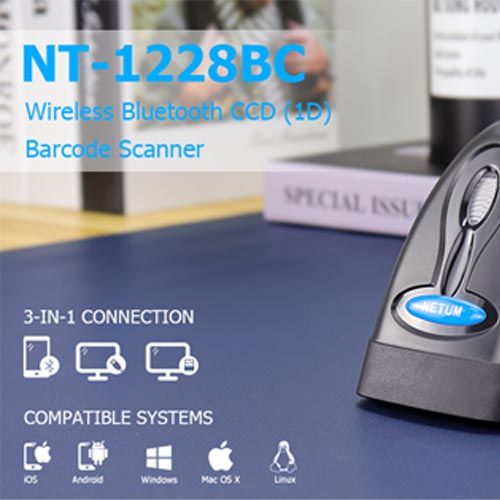
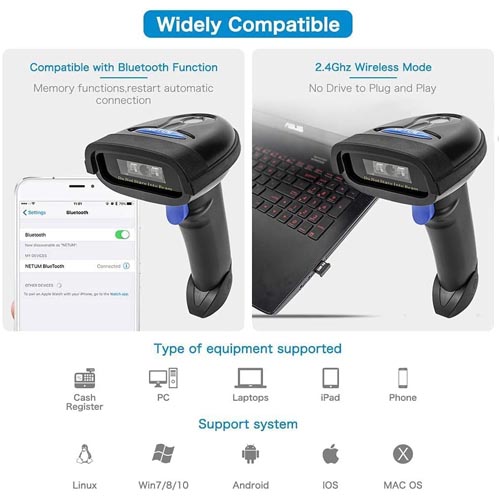
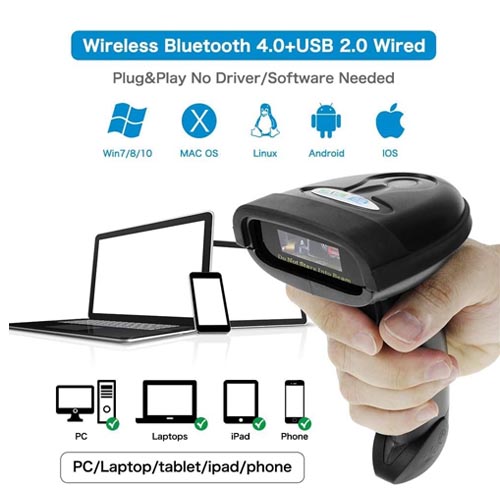
- Bluetooth Barcode Scanner for iPhone iPad Android Tablet PC, Support Mac OS X, Android, Windows 10 and ipad IOS 9.
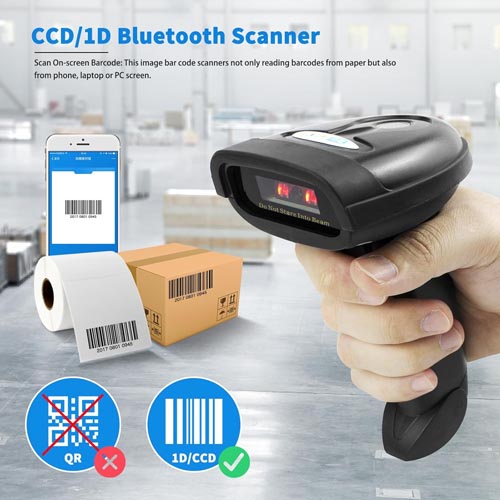
- With the scanner’s CCD sensor Engine Support reading linear barcode directly from a Computer Screen and mobile phone.
- Easy your work trigger the button then the barcode scanner will start to pair, Support HID and SPP mode.
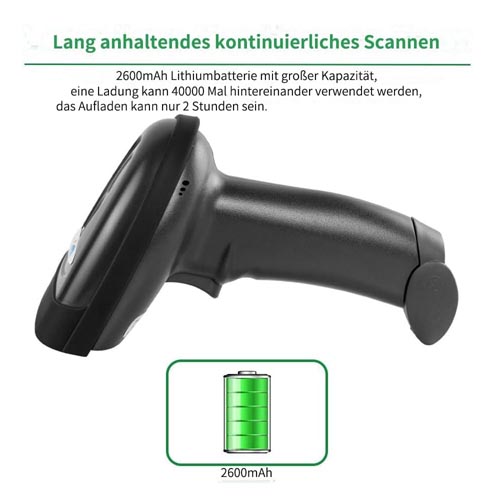
- 2000mAh battery squeeze up to 30 hours of continuous scanning for your inventories or working hours, easily recharge in only 2 hours via the included USB charging cable.
- Connects with smartphones, tablets, or Bluetooth-enabled computers, works with computer, smartphone, tablet and mobile PDA(Note: It does not work with square POS).
Features:
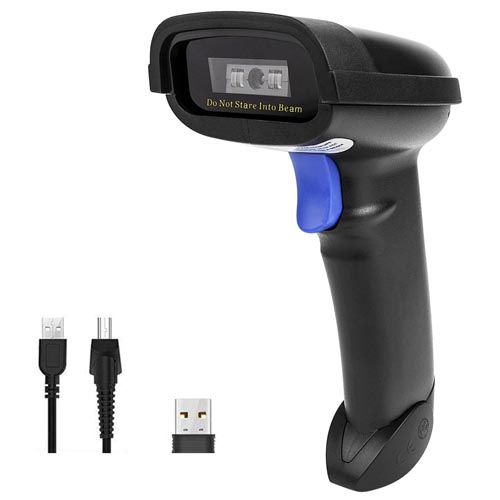
- NETUM NT-1228BC Bluetooth Wireless 1D CCD Barcode Scanner
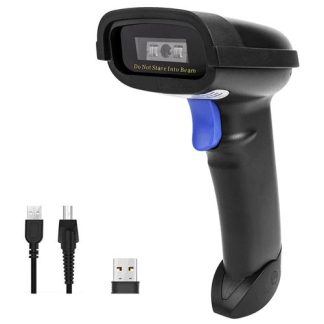
- 3-in-1 Connection Design The handheld barcode scanner comes with 3-in-1 Connection Design:
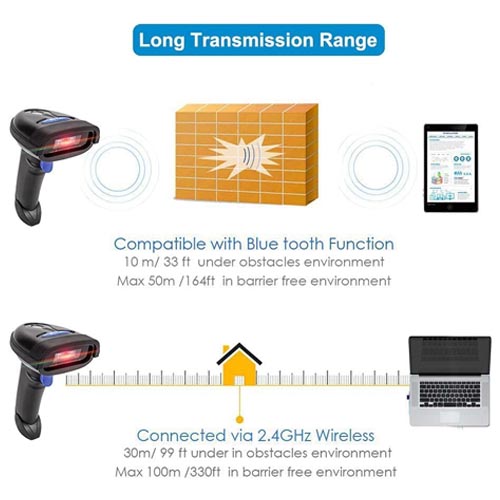
- Bluetooth Connection: Support HID / SPP / BLE mode, Easily connected with your laptop, PC, mobile phone, tablet, iphone, ipad, POS. the transmission distance in the obstacles environment is about 10m / 33ft.
- 2.4G Wireless Connection: Support RF DONGLE HID-KBW and RF DONGLE AS VIRTUAL COM mode, Connect the scanner to your device via the USB dongle, Work with Windows XP/7/8/10, Mac OS, linux. the transmission in the environment without any obstacles can reach up to 100m / 330ft.
- USB Connection: Support USB HID-KBW and USB COM Port Emulation mode, Connect the scanner to your device via the USB cable. In wired mode, user can scan barcode while charging.
- Superior CCD Sensor with 2500 pixels clear-resolution extreme performance
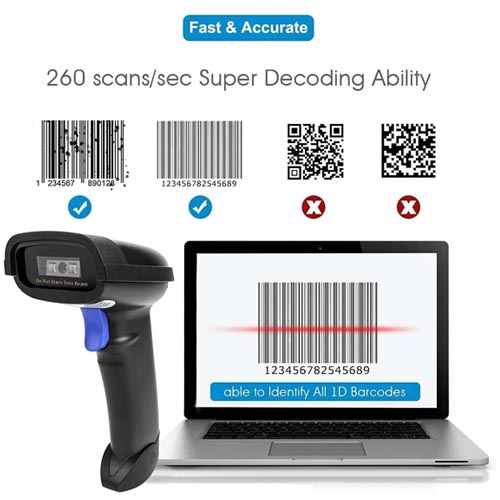
- Fast – Rapidly decodes all 1D and stacked barcodes (including ISBN book), even worn, damaged or tightly spaced codes.
- The CCD sensor allows a wider and longer scan field of up to 12″ away capable of scanning under a light level of 100,000 lux.1D Scanning Engine.
- Scan 1D codes directly from paper or screen, such as a computer monitor, smartphone, or tablet, or scan through glass surfaces, plastic shrink wrap, a CCD scanner is likely the best way to go.
- 3 Trigger Modes
- Key Trigger Mode: Scanning light is on when press the trigger.
- Continuous Scan Mode: Scanning light is always on when the scanner is electrified. Scanning barcode without pressing any button.
- Auto-induction mode: Scanning light is off until a barcode presented in front of the scanner. Once the barcode is detected, the scanning light will turn on automatically to read the barcode.
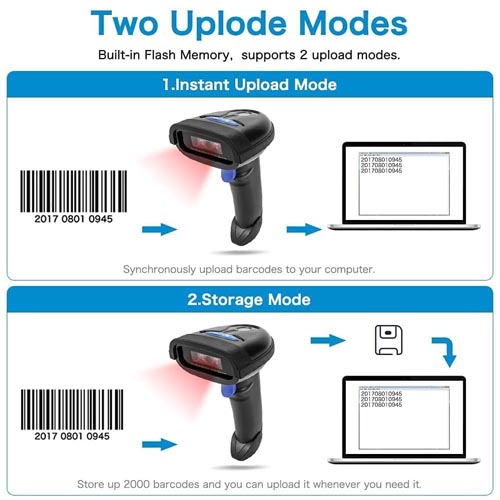
- 2 Upload modes.
- Instant Upload Mode: Read barcodes & upload barcode straight to the file you have opened.
- Storage Mode: All scanned barcode will be stored directly into the bulit-in memory of the scanner. You can upload the data to your device in batch.
Supported 1D Symbologies:
- UPC/EAN/JAN, UPC-A & UPC-E, EAN-8 & EAN-13, JAN-8 & JAN-13, ISBN/ISSN, Code 39, Codabar, Code 128 & EAN 128, Code 93, ITF 2 of 5, IATA Code, MSI, China Postal Code, Code 32, Industrial 2 of 5, Standard 2 of 5, JAP, Code 11,
- GS1 DataBar, GS1 DataBar Limited, GS1 DataBar Expanded, Telepen.
System Requirements:
- Mobile device: iOS, Android
- PC device: Windows 10/8.1/8/7/Vista/XP/CE, Mac OS X, Linux
Note:
- Incompatible with Square POS
Technical Information:
- Brand: NETUM | Manufacturer: NETUM
- Model Number: AK-55VI-9N2E
- Manufacturer Part Number: 608065734290
- Compatible devices: Desktop, Laptop, Tablet
- Connectivity technology: [‘USB cable’, ‘2.4Ghz Frequency radio’]
- Power source: Battery Powered, Corded Electric
- Number of batteries: 1 Lithium Metal batteries required. (included)
- Scan rate: 150 Scans Per Second
- Maximum storage temperature: 60 Degrees Celsius
- Operating voltage: 5 Volts
- Specification met: CE, FCC, WEEE
- Real angle of view: 0.25 Degrees
Important Note:
- If you want to shift from HID to SPP or BLE just scan the Corresponding command barcode.
- If you want to shift from SPP or BLE to HID mode, please ignore (or delete) “Netum Bluetooth”→turnoff bluetooth→ scan command barcode of HID→ Open the bluetooth → repair it.
- Supports 25 Languages
- Supports multiple languages including English, Spanish, German, French, Italian, Japanese, etc.
- To get the correct output, make the scanner’s keyboard language consistent with your computer’s keyboard language.
- The scanner’s factory default language is English.
- Programmable Configuration
- Add custom prefixes/ suffixes, delete characters.
- Add keyboard keys/ combinations (terminator TAB, CR&LF, Home etc.)
- Enable or disable the barcode type as you want.
- Turn on/off the beep, change the capital/lower case