Description
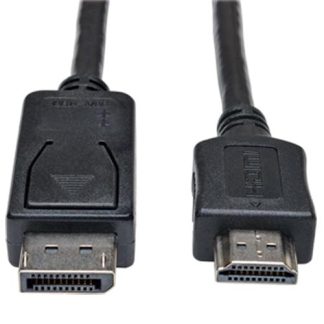
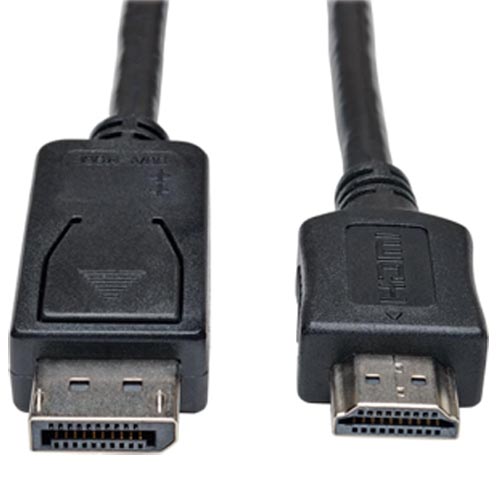
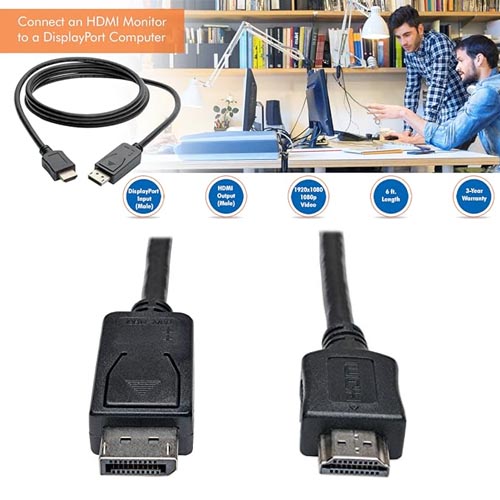
- Directly Connect an HDMI Monitor to a DisplayPort Computer.
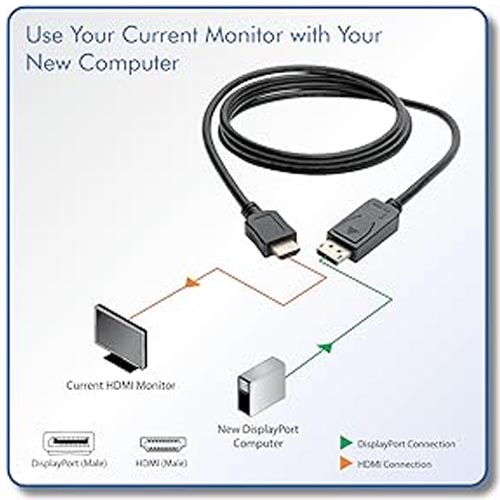
- This 6 ft. adapter cable allows you to connect an HDMI monitor to a desktop or laptop computer with DisplayPort video output. Simply plug the cable into your DisplayPort computer and your HDMI monitor. You don’t need a separate adapter or device cable.
- Use your current HDMI monitor with your newer DisplayPort desktop or laptop computer.
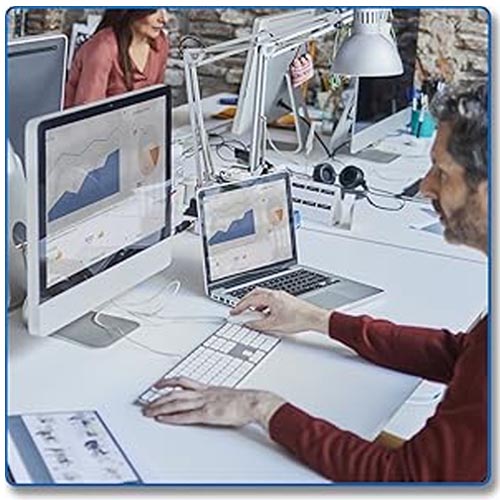
- Use your HDMI monitor as a secondary display.
- Use an HDMI projector with your DisplayPort computer.
What’s Required:
- Computer with DisplayPort output (full-size DP++ port)
- Monitor with HDMI input
Save Money without Sacrificing Image Quality – This passive adapter cable helps you save money by making your current HDMI monitor compatible with a DisplayPort-equipped computer. High-quality connectors provide maximum conductivity to ensure a clean, consistent video signal.
- HDCP-compliant HDTV video resolutions up to 1080p (Full HD)
- Support for audio (when DisplayPort source supports audio)
- Requires dual-mode (DP++) DisplayPort compatibility
Enjoy Convenient Design Features
- Latching DisplayPort connector for secure connection
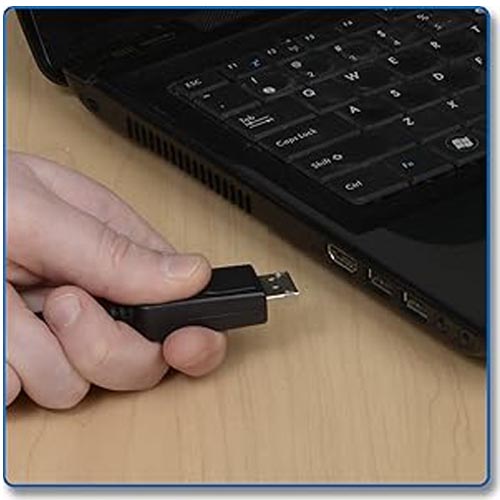
- Plug-and-play—no software or drivers to install
- Flexible cord for optimal adjustment in tight spaces
- Molded strain relief for extra durability and long life
- No external power required
Technical Information:
- Brand: Tripp Lite | Manufacturer: Tripp Lite | Colour: Black
- Series: DisplayPort to HDMI Adapter Cable, 6ft
- Pattern Name: Adapter | Item model number: P582-006
- Compatible devices: Projector, Monitor, Television, Personal Computer
- Specific uses for product: PC, Monitor, Television
- Connector type: 20 Pin Displayport to 19 Pin Hdmi Type a
- Item dimensions L x W x H: 13 x 229 x 178 mm | 91 g